Shopping links in this guide go to official brand pages and are not affiliate links. We do not earn a commission from them. Our disclosure
Televisions look different when surrounded by a store full of televisions. At home, one screen has to coexist with windows, seating, shelves, and people who watch from the side. Start by measuring that room. This is a planning guide informed by manufacturer guidance; it is not a hands-on ranking or a claim that one panel technology wins in every setting.
Choose a comfortable size and workable placement first. Then compare picture behavior, connections, and controls against your room and viewing habits rather than buying by diagonal measurement alone.
Measure the furniture as well as the screen
Record the distance from your normal seat to the planned screen location, the width of the furniture, and the available height. Manufacturer size charts can help narrow the field, but treat them as a starting point rather than a requirement. Samsung’s guide uses viewing distance as part of its size advice. Your comfort with subtitles, sports, and close-up movie scenes also matters.
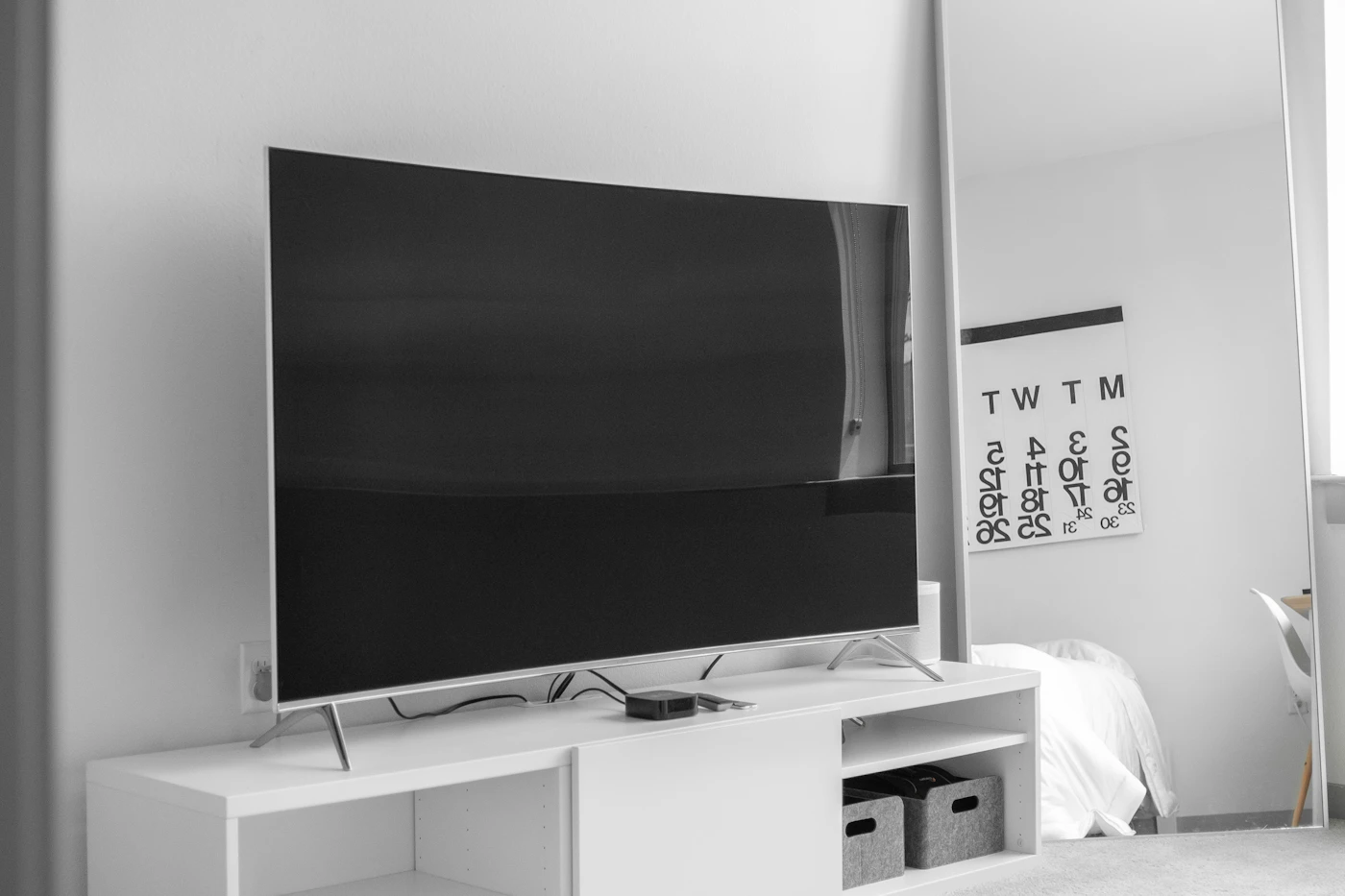
Use removable tape or paper to mark the outside dimensions of a candidate television. Include the actual stand footprint, not just the panel width. Some feet sit near the edges, creating a problem on a narrow console. Check the product drawing and leave the ventilation space the manufacturer requires. A television that fits between two shelves may still be poorly accommodated there.
Let daylight and seating shape the comparison
Think about when you watch. A room used mainly after dark creates a different brief from a bright room used for afternoon sports. Visit a store with a short list of scenes or content types you understand, and ask to see sensible picture settings where possible. Extremely vivid demonstration material can obscure whether faces, motion, and subtitles look comfortable to you.
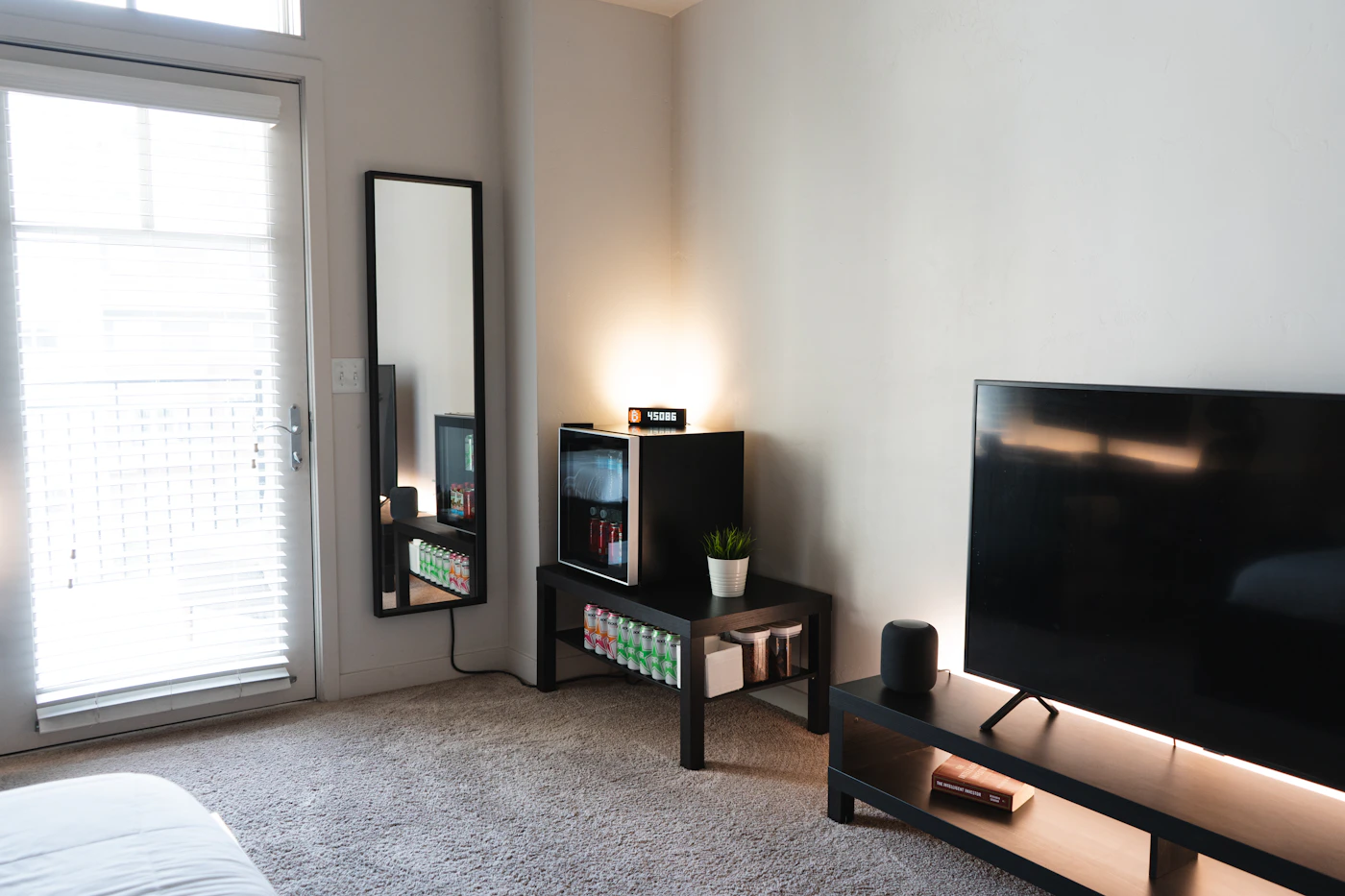
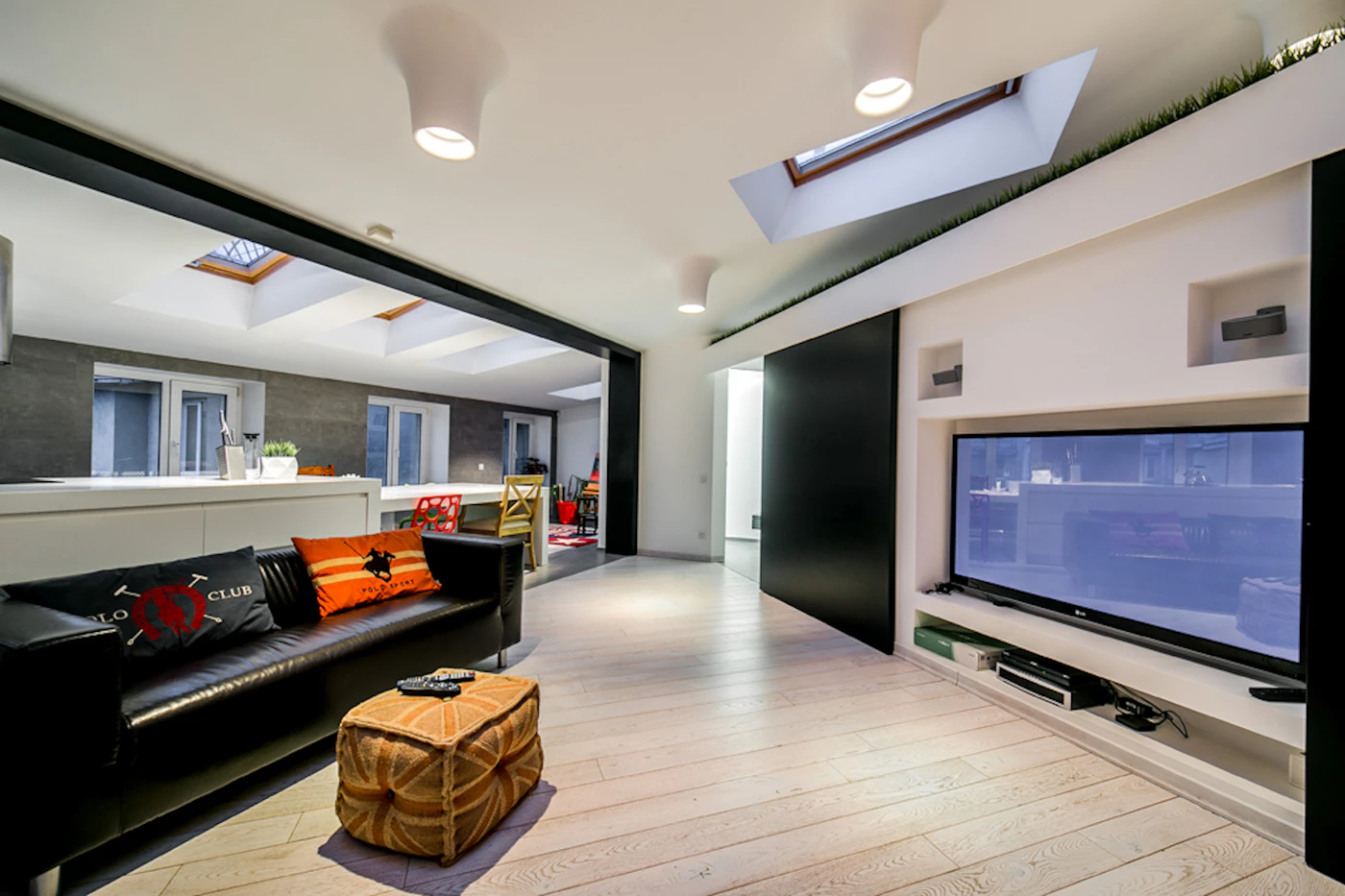
Check the view from an angle if the family sits across a wide sofa. Consider reflections from the actual window opposite the proposed screen location. Curtains or a changed position may improve the experience more economically than moving to a higher price tier. Avoid treating a showroom impression as a controlled test; it is one input alongside specifications, independent measurements, and your room constraints.
Understand what panel labels leave out
OLED, conventional LCD, and LCD with more elaborate backlighting describe broad approaches, not complete performance profiles. Within each group, models vary in processing, brightness behavior, reflections, motion handling, and supported formats. Read the exact model documentation and reputable measurements if those distinctions drive your decision. A technology name cannot tell you how every scene will look.
Consider the content that dominates your week. Long sessions with static interface elements deserve a review of the manufacturer’s usage and care guidance. Frequent movie nights may place more value on dark-scene presentation. Sports viewers may care about motion and a wide seating arrangement. These priorities help you compare evidence without assuming the most expensive panel is automatically the most appropriate.
Budget for the complete installation
Count the devices that need inputs: game console, streaming player, cable box, and audio equipment. Identify the particular connection features each one requires. The presence of several HDMI sockets does not mean every socket supports every advertised feature. Read the port table before ordering, and plan how you will reach the connections after installation.
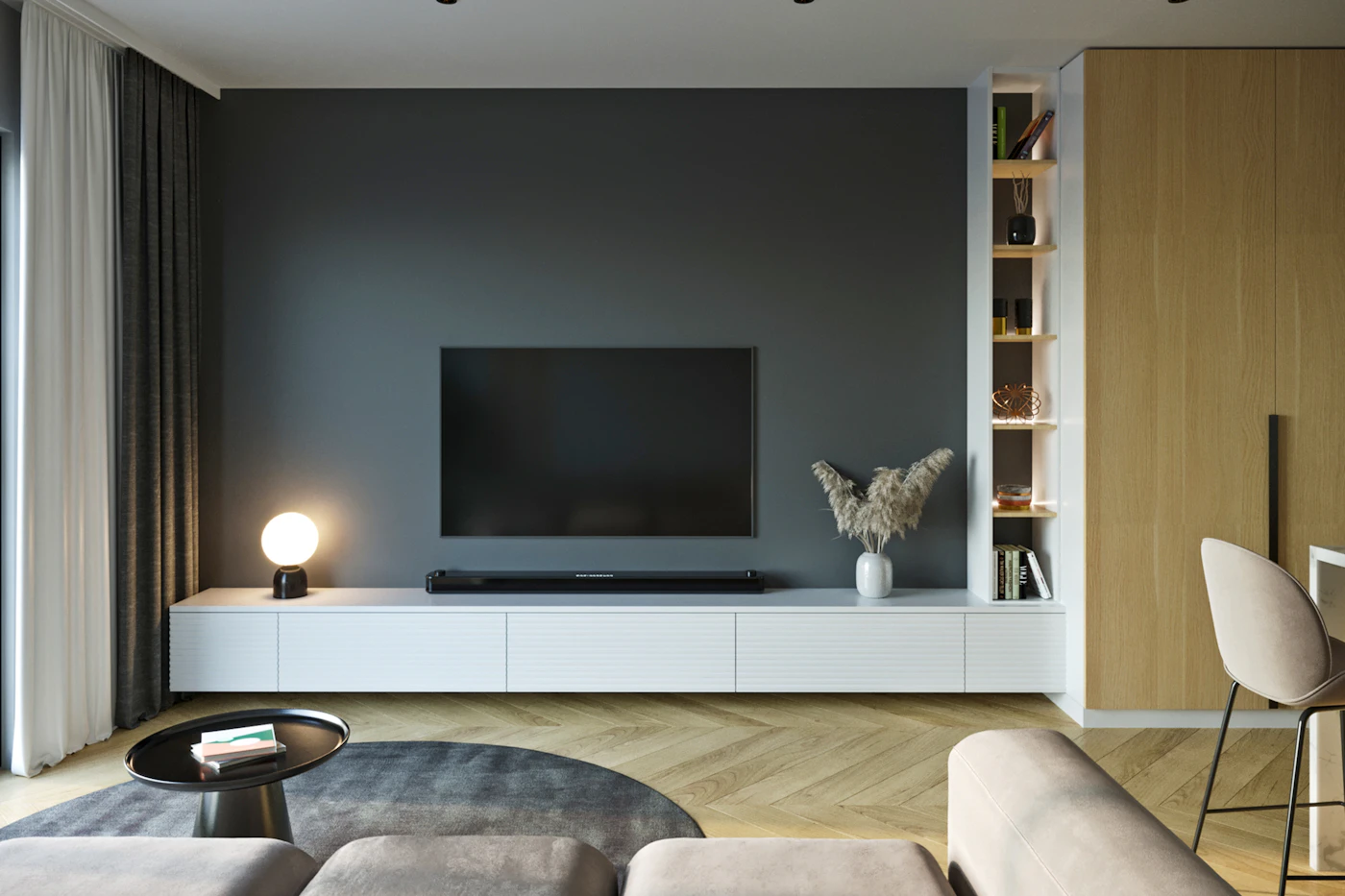
For a wall mount, confirm the mount pattern, weight support, wall construction, and installation requirements. Professional installation may be a useful budget item if the arrangement is unfamiliar. For a console, consider cable routes and the stability measures specified by the manufacturer. A larger screen should not force a compromised setup simply because the sale price was appealing.
Finally, review the retailer’s delivery, damage-reporting, and return procedures. Open and inspect the television promptly, then try the content you actually watch. Check subtitles, quiet dialogue, and the view from each regular seat. Keep packaging until you are comfortable with the purchase, especially when returning a large item would be difficult.
A closer look at the tradeoffs
| Option | Best fit | Tradeoff |
|---|---|---|
| Conventional LCD | A budget-led purchase assessed model by model | Picture performance varies widely |
| LCD with advanced backlighting | Buyers prioritizing a documented bright-room fit | Backlight label alone is not a quality guarantee |
| OLED | Viewers considering an alternative panel approach | Review room suitability and usage guidance |
Before you buy
- Measure viewing distance and stand footprint.
- Map windows and off-center seats.
- Verify features on each required HDMI port.
- Include installation and return logistics in the budget.
Confirm the exact model, compatibility, current price, and return policy at the official destination before ordering.
Explore TV sizing and models at Samsung ↗Common questions
Is the biggest screen I can afford always better?
No. A comfortable viewing position, suitable furniture, and a sensible installation matter. Mark the dimensions in the room before deciding.
Should I replace a TV because one app is slow?
Consider an external streaming player first if the screen still suits you. It can address app and interface issues without replacing the entire television.
Sources & further reading
Manufacturer documentation consulted October 10, 2026. Buying judgments are our editorial interpretation; published specifications do not establish real-world performance.
See something that needs updating? Send a correction.