Shopping links in this guide go to official brand pages and are not affiliate links. We do not earn a commission from them. Our disclosure
In a small apartment, every charger, dock, and remote competes with daily life. A product can be compact on paper yet awkward once its power adapter, stand, and maintenance space are included. The goal is not to make every object connected. It is to remove a few recurring annoyances without creating clutter. This guide offers scenario-based planning, not claimed product testing.
Prioritize reliable connectivity, comfortable task lighting, and one coherent entertainment setup. Add automation only where it saves an identifiable step and fits the space you actually have.
Assign each surface a job
Start with the desk, nightstand, kitchen counter, and television area. Write down what each surface needs to support during an ordinary day. A desk that doubles as a dining table benefits from equipment that can be moved easily; a dedicated corner may justify a fixed monitor or dock. The right choice depends on how often the space changes roles.
Measure the working footprint rather than just the product body. Include connectors, cable bends, stands, and the room needed to reach controls. Store rarely used accessories nearby instead of keeping everything plugged in permanently. A small tray for the few items that move daily can be more useful than another powered organizer. Buy only after identifying the actual friction in the routine.
Make connectivity quiet infrastructure
A compact home does not automatically need a mesh system. First check whether the existing router can serve the places where you work and relax from a sensible location. Google’s setup guidance emphasizes placement and the relationship between units; the same planning mindset helps avoid buying boxes for rooms that already work well. Diagnose the problem before upgrading.
If the work desk is fixed, investigate a practical wired connection where your equipment supports it. If the room changes use frequently, a cable stretched across the floor is a poor trade. Count available outlets and route cables safely along appropriate paths. An attractive workspace should remain usable when a chair moves, a door opens, or someone carries dinner through the room.
Keep entertainment proportional to the room
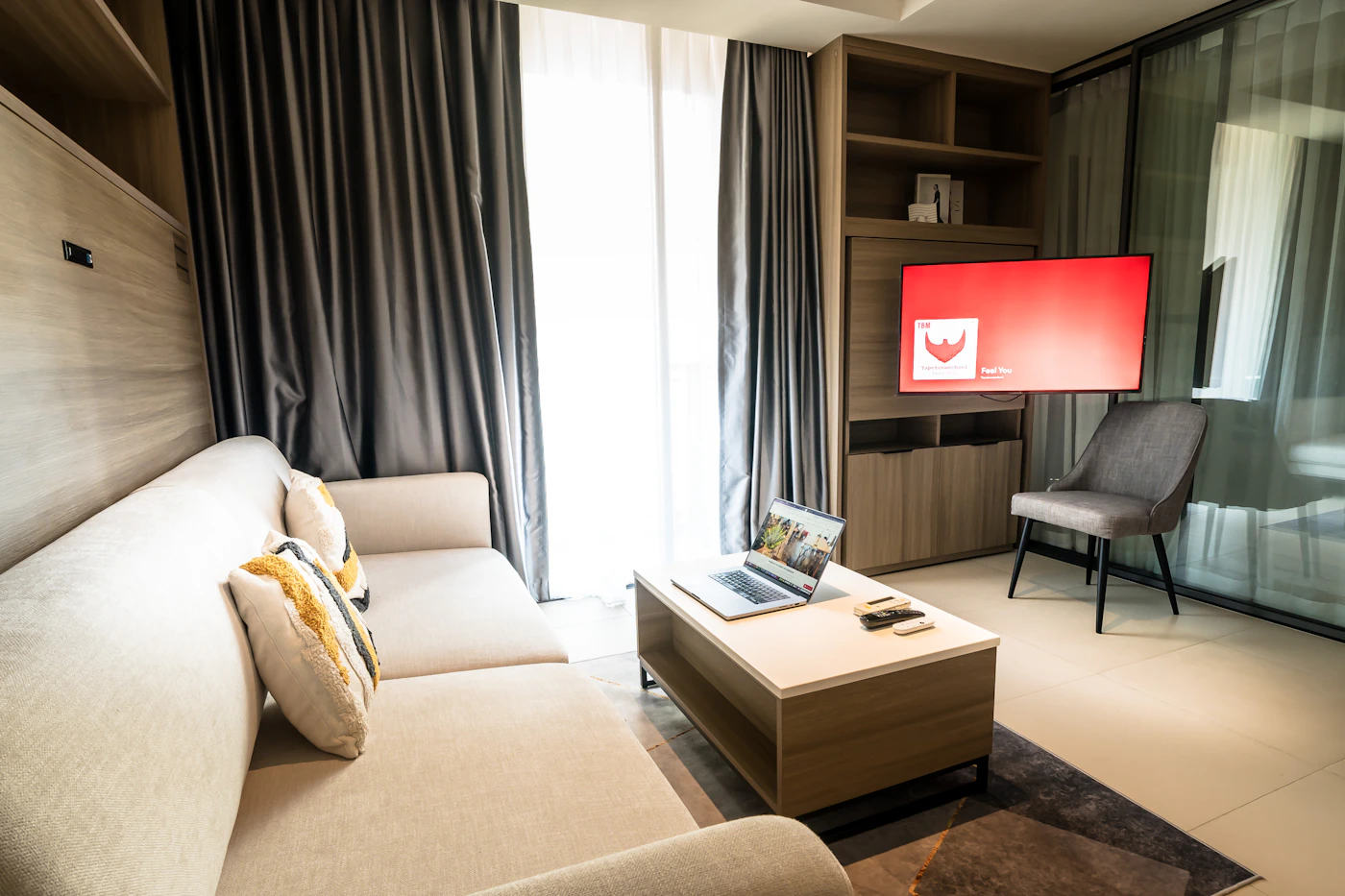
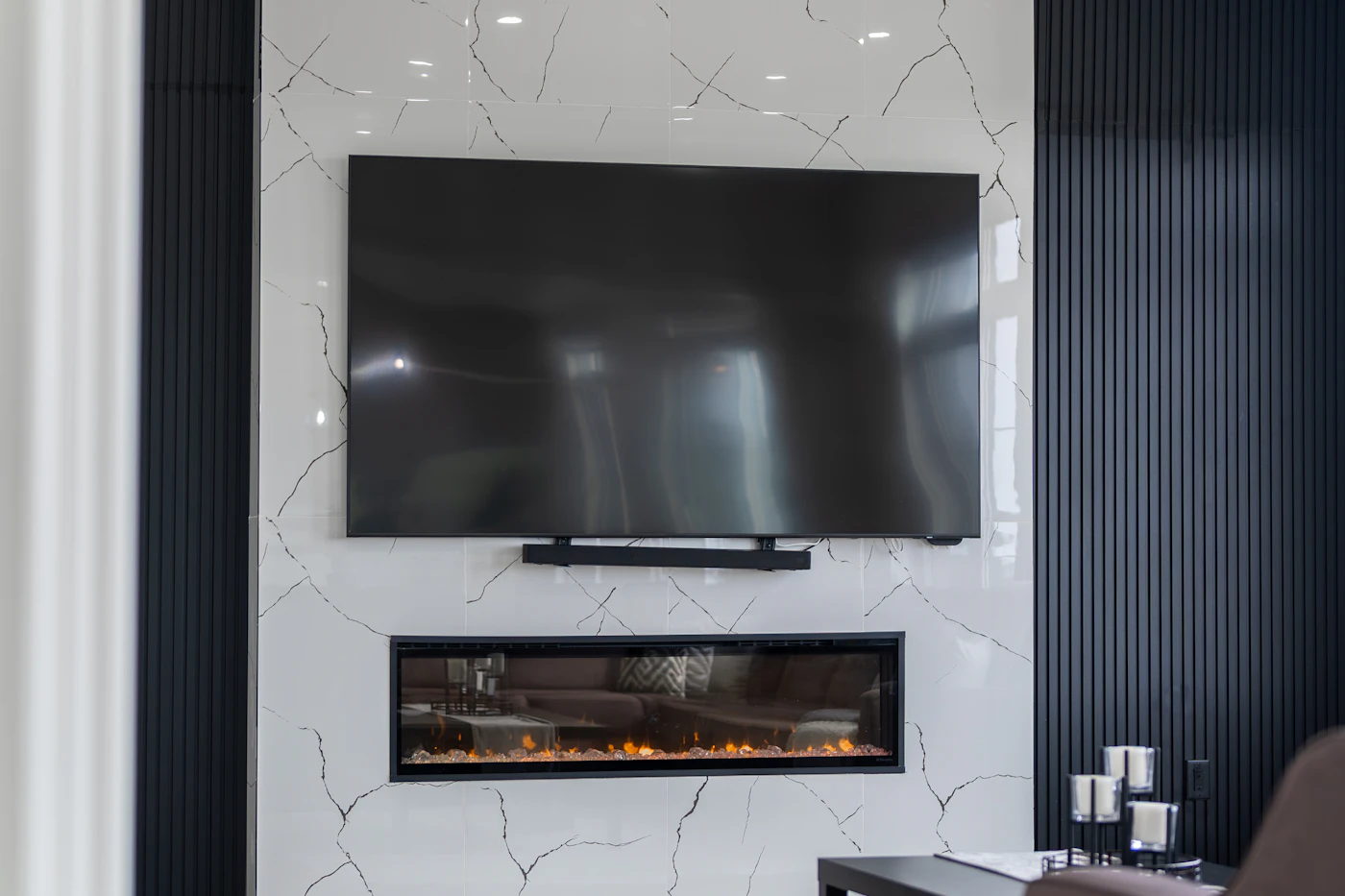
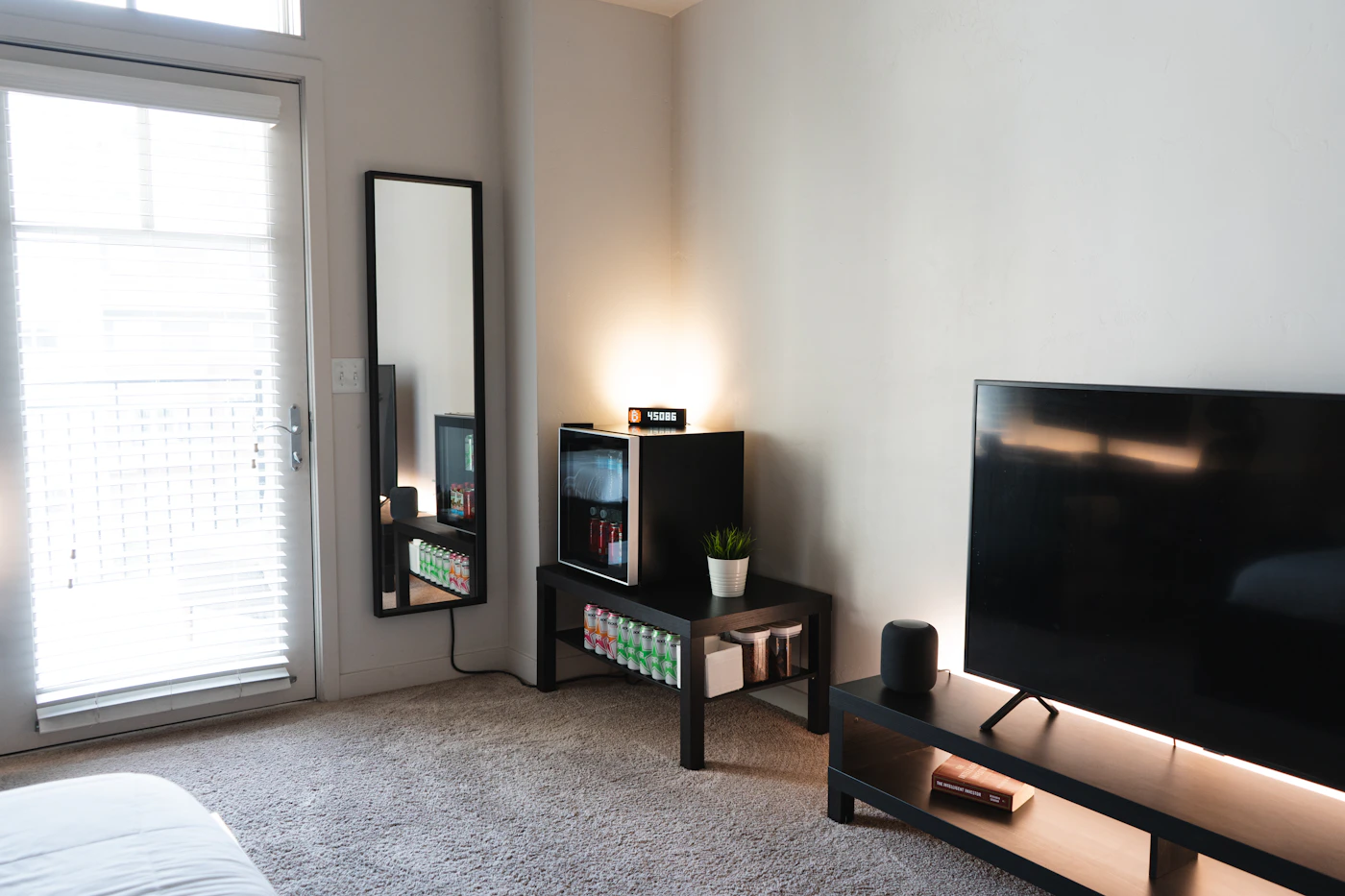
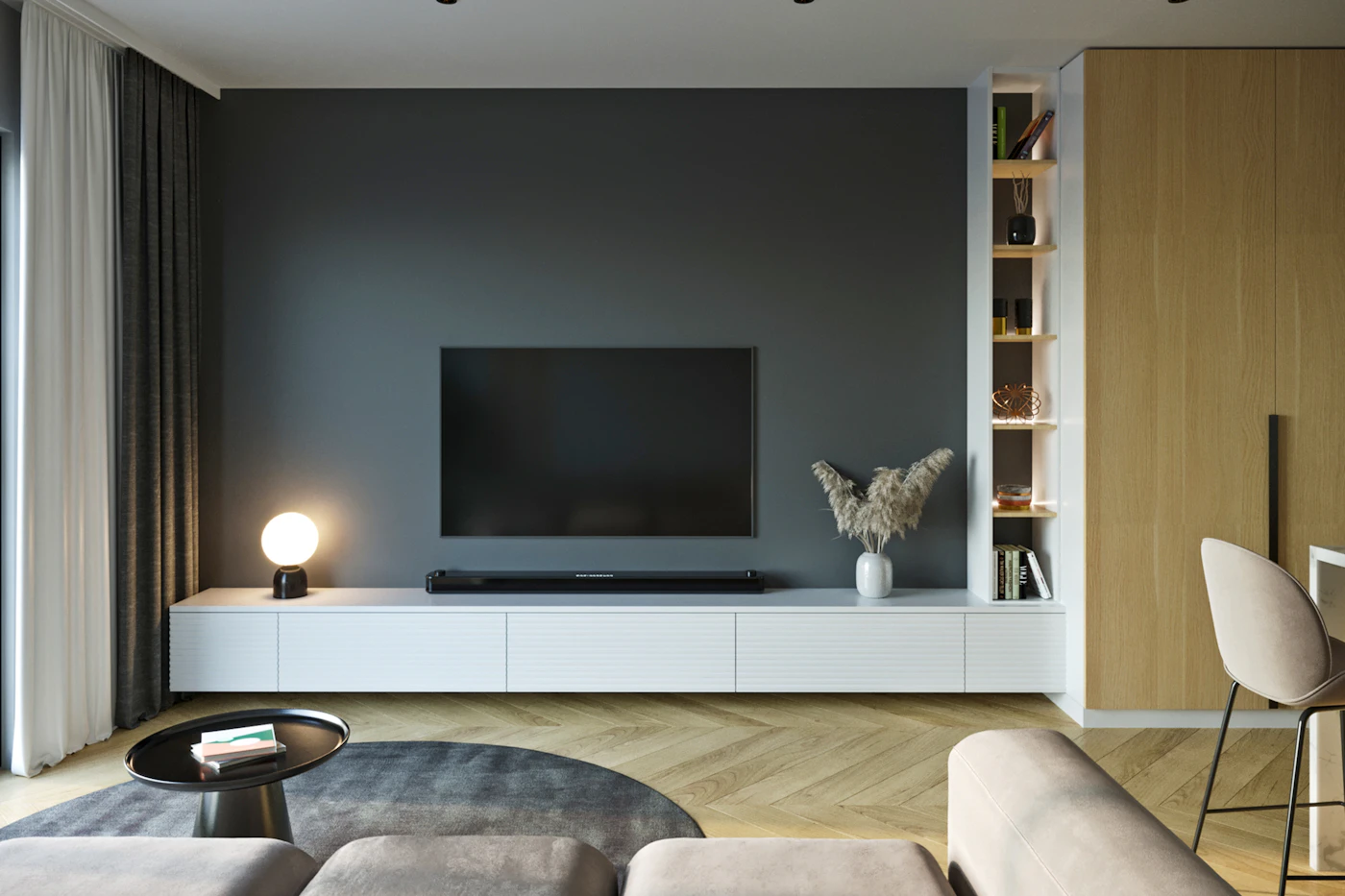
Before buying a larger television, mark its dimensions and review how it changes the furniture arrangement. A screen that forces the sofa into a walkway costs more living space than the diagonal measurement suggests. If the current television has a frustrating interface but a satisfactory picture, an external streaming device may be the more focused purchase.
Roku’s player range demonstrates the difference between compact sticks and other player formats. Compare the specific connections, power arrangement, and remote features you need rather than buying multiple devices that serve the same apps. Keep the remote location predictable. For a household that mainly watches on a laptop, a television purchase should follow an actual shared viewing habit, not an assumption about what a living room requires.
Favor reversible, maintainable upgrades
A plug-in lamp with appropriate controls is easier to relocate than a permanent electrical change. Philips Hue describes a Bluetooth starting option for supported bulbs, which illustrates one way to try connected lighting on a limited scale. Check the exact requirements before buying and choose a routine that will remain useful if you move. Keep original fixtures and landlord requirements in mind.
A robot vacuum deserves an unusually strict space check in a small apartment. Consider both the dock and the floor preparation needed before it runs. If shoes, chair legs, and charging cables consume the available route, the appliance may introduce more rearranging than it saves. A conventional cleaning tool that stores neatly may better match that floor plan.
Use a one-in, one-purpose rule for the first round of upgrades: every new item must address a named problem, and overlapping equipment should be reassessed. Keep account recovery information and product instructions together. Before buying a bundle, calculate the complete footprint and recurring costs. A calm, reliable setup usually comes from a few deliberate decisions repeated consistently, not from connecting everything at once.
A closer look at the tradeoffs
| Option | Best fit | Tradeoff |
|---|---|---|
| Minimal essentials | Limited surfaces and frequently changing room uses | Fewer convenience features |
| Focused connected corner | One stable desk or entertainment area | Requires deliberate cable and outlet planning |
| Room-wide automation | A clear set of repeated daily routines | Adds setup, accounts, and maintenance |
Before you buy
- Measure adapters, stands, and access space.
- Buy for a named recurring problem.
- Prefer reversible changes where appropriate.
- Review duplicates before adding another device.
Confirm the exact model, compatibility, current price, and return policy at the official destination before ordering.
Explore compact streaming options at Roku ↗Common questions
Do small apartments need mesh Wi-Fi?
Some layouts may benefit, but size alone is not a reason to buy it. Evaluate placement and actual problem areas before choosing additional units.
What should I upgrade first?
Choose the issue that interrupts daily life most often, such as an unreliable work connection or uncomfortable lighting. Solve that one problem before building a larger system.
Sources & further reading
Manufacturer documentation consulted October 10, 2026. Buying judgments are our editorial interpretation; published specifications do not establish real-world performance.
- Google: Wi-Fi device positioning
- Roku: streaming-player formats
- Philips Hue: starting without a Bridge
See something that needs updating? Send a correction.