Shopping links in this guide go to official brand pages and are not affiliate links. We do not earn a commission from them. Our disclosure
The laptop that feels wonderfully spacious at home may be awkward between a seat back and an airplane tray. Travel changes the buying equation: setup time, bag space, outlets, and unreliable connections become part of everyday usability. This guide focuses on choosing a manageable system for work trips and frequent commuting. It offers planning advice, not battery measurements or claims that a particular machine has been tested through an airport itinerary.
Favor a compact laptop that runs your required software, then minimize the supporting kit. Verify charging compatibility and prepare offline files before departure. Buy additional portability only when it solves a repeated problem in your actual travel routine.
Compare your packed setup
List everything that accompanies the computer: charger, cable, adapters, mouse, headset, sleeve, and any second display. Compare the weight and volume of that set. A small laptop needing a large dock may not be the simplest travel option. A laptop with your essential port built in can remove an entire accessory.
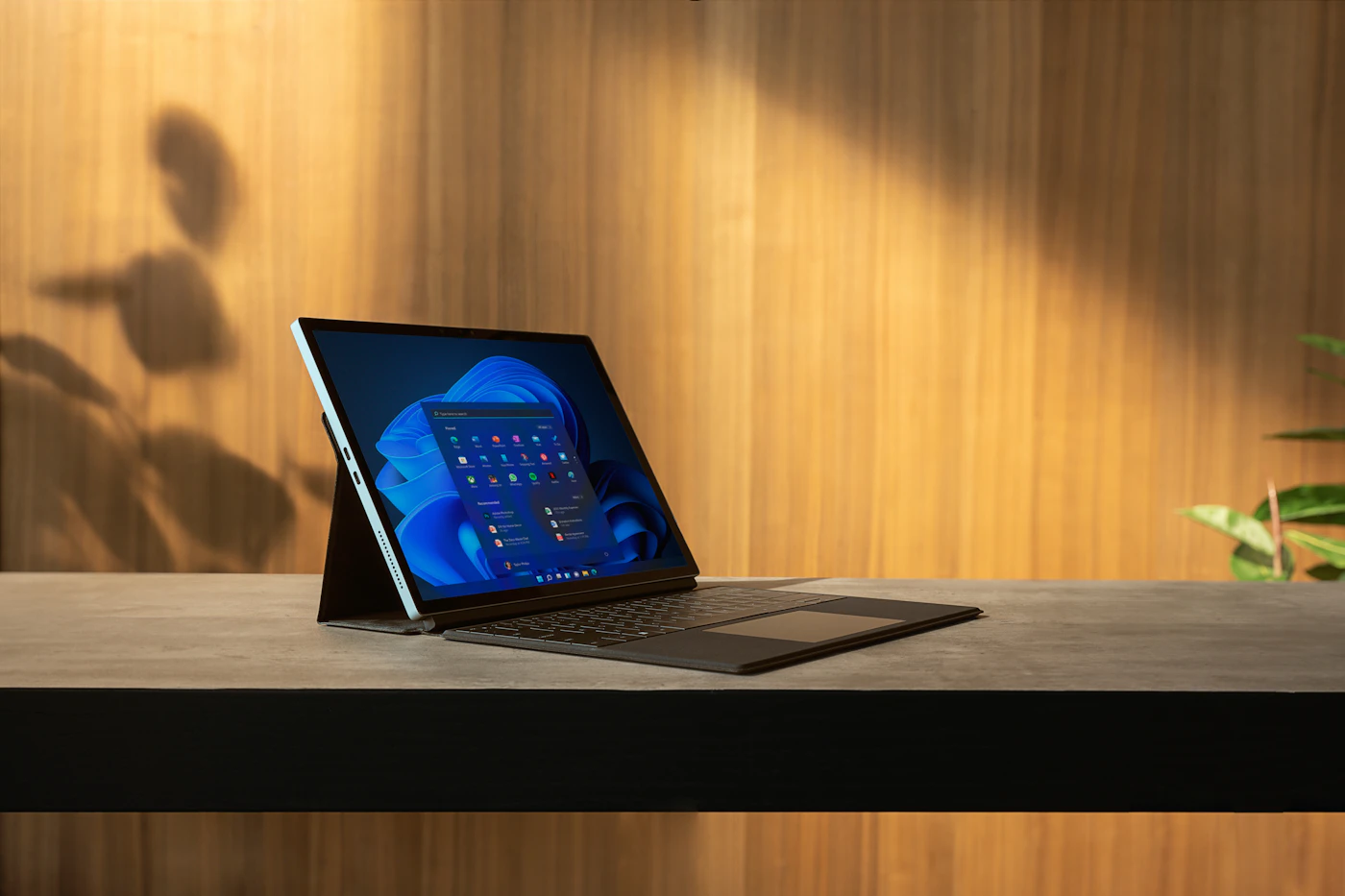
Check chassis depth as well as screen size. A device can fit a backpack but still be difficult to open on a shallow table. Consider how often you work while moving versus simply transporting it between full-size desks. For the second pattern, a slightly larger display may be worth carrying; for the first, usable space at the destination is the limiting factor.
Make charging predictable
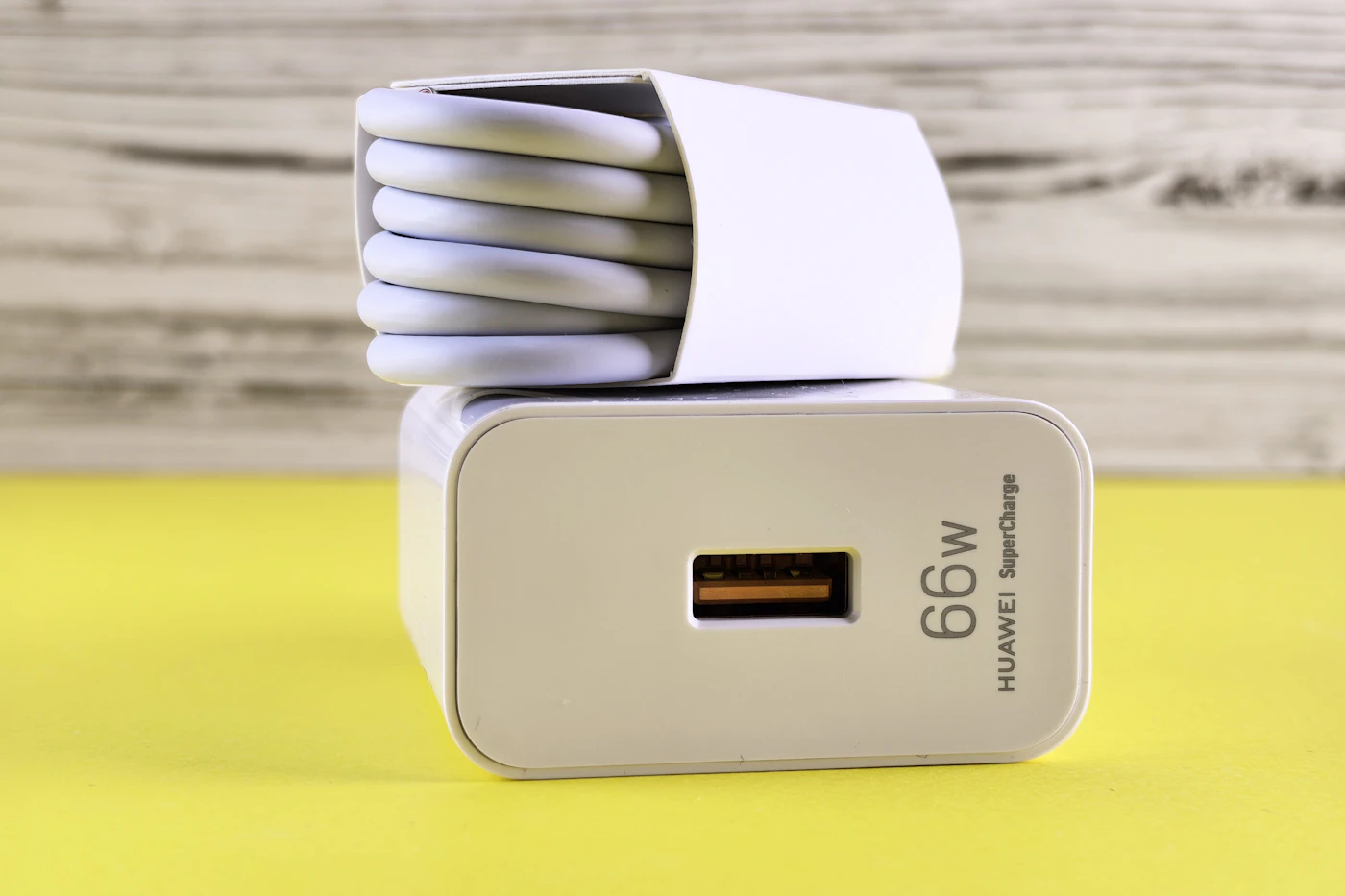
Check the laptop manufacturer's power requirements and which ports accept charging. Then select a charger and cable explicitly suitable for that configuration. A compact multiport charger may be convenient, but its total output is not necessarily the power available to a laptop while another device is connected.
Keep the laptop's supplied adapter until you have verified the replacement with your normal workload. Charge the laptop and phone together, wake the computer, and reconnect cables in the order you would on a trip. These simple checks can reveal an arrangement that works while idle but cannot keep up during work. For overseas travel, check the adapter's labeled input requirements and appropriate local plug connection rather than assuming the plug shape is the only issue.
Prepare for imperfect connectivity
Download the documents, reference material, and application updates needed before leaving. Open important files while disconnected to confirm they are genuinely available offline. A file name appearing in a synced folder is not sufficient evidence that its contents are stored locally. Check access to meeting notes and travel records from a second device too.
Keep an independent recoverable copy of important work and protect access to accounts. Know your employer's rules for public networks and remote access. Avoid planning a critical task around an untested hotel connection. A laptop with more storage may be useful if travel regularly requires a large offline library; otherwise a disciplined download routine may solve the problem without a more expensive configuration.
Spend where travel creates friction
A comfortable keyboard, readable screen, and reliable webcam can matter more than a faster processor for trips dominated by correspondence and meetings. Consider reflections in the places you work. A bright display cannot create more table space, and a glossy finish can change the experience under overhead lighting.
Apple's MacBook Air range illustrates the compact-versus-larger-screen choice within one family, but compare the specific configuration with your applications before selecting it. For Windows alternatives, apply the same questions instead of choosing only by advertised battery life. During the return window, pack the complete kit, work through a realistic session, and confirm your peripherals. The best travel machine is the one that lets you leave unnecessary equipment behind without losing required capabilities.
A closer look at the tradeoffs
| Option | Best fit | Tradeoff |
|---|---|---|
| Compact laptop and one charger | Frequent movement and basic office work | Smaller working area |
| Middle-size laptop with essential ports | Trips involving presentations and varied desks | More bag space |
| Current laptop with a simplified kit | Occasional travel and a functioning computer | Less weight reduction |
Before you buy
- Weigh the full bag.
- Check simultaneous charger output.
- Open critical files offline.
- Test presentation adapters before travel.
Confirm the exact model, compatibility, current price, and return policy at the official destination before ordering.
Explore MacBook Air at Apple ↗Common questions
Should I carry a portable display?
Carry one when a repeated task truly needs it and your destinations provide setup space. For short email sessions, it can add more inconvenience than value. Try your intended single-screen workflow first, especially when packing lightly is a major goal.
Can a power bank replace the wall charger?
Not automatically. It must support the laptop's required power profile and suitable capacity, and it still needs recharging. Check current transport rules with your carrier before flying. Treat it as a specific accessory decision, not an assumed universal solution.
Sources & further reading
Manufacturer documentation consulted October 10, 2026. Buying judgments are our editorial interpretation; published specifications do not establish real-world performance.
See something that needs updating? Send a correction.