Shopping links in this guide go to official brand pages and are not affiliate links. We do not earn a commission from them. Our disclosure
A smart speaker can be a kitchen timer, a music source, a home-control interface, or an expensive way to ask for the weather. Its usefulness depends less on the number of advertised commands than on a few routines everyone understands. Our guidance uses published product information and practical comparisons; it does not claim listening tests or voice-recognition benchmarks.
Choose the platform and music workflow first. Then decide whether a compact smart speaker, a simpler portable speaker, or a screen-equipped device fits the room and the people using it.
Start with the phone and services you already own
List the phones in the household and the music services people use. Check which functions work directly by voice and which require another app or a playback handoff. Do not assume that support for a service means every account feature behaves identically. The right speaker should reduce daily steps for your household rather than require everyone to change habits.
Apple’s HomePod mini page describes integration with the Apple ecosystem, including supported home and audio functions. That makes it a candidate to investigate for an Apple-centered household. It is not a reason to buy before checking setup requirements. Mixed-platform homes should look particularly carefully at who can configure, control, and maintain the speaker after the original purchaser leaves the room.
Decide whether voice control is the real need
Picture the moment you expect to use it. A person cooking with wet hands may value a spoken timer. Someone listening at a desk may already have a convenient keyboard or phone control. If the main aim is occasional music on a balcony, portability could matter more than a voice assistant. A conventional portable speaker remains a sensible alternative.
For home control, make a short list of compatible lights or accessories you actually intend to use. Check both the speaker and accessory documentation. A broad smart-home label does not establish that every desired command or automation is available. Buy for a few supported routines and evaluate them before filling other rooms with matching hardware.
Make a considerate placement decision
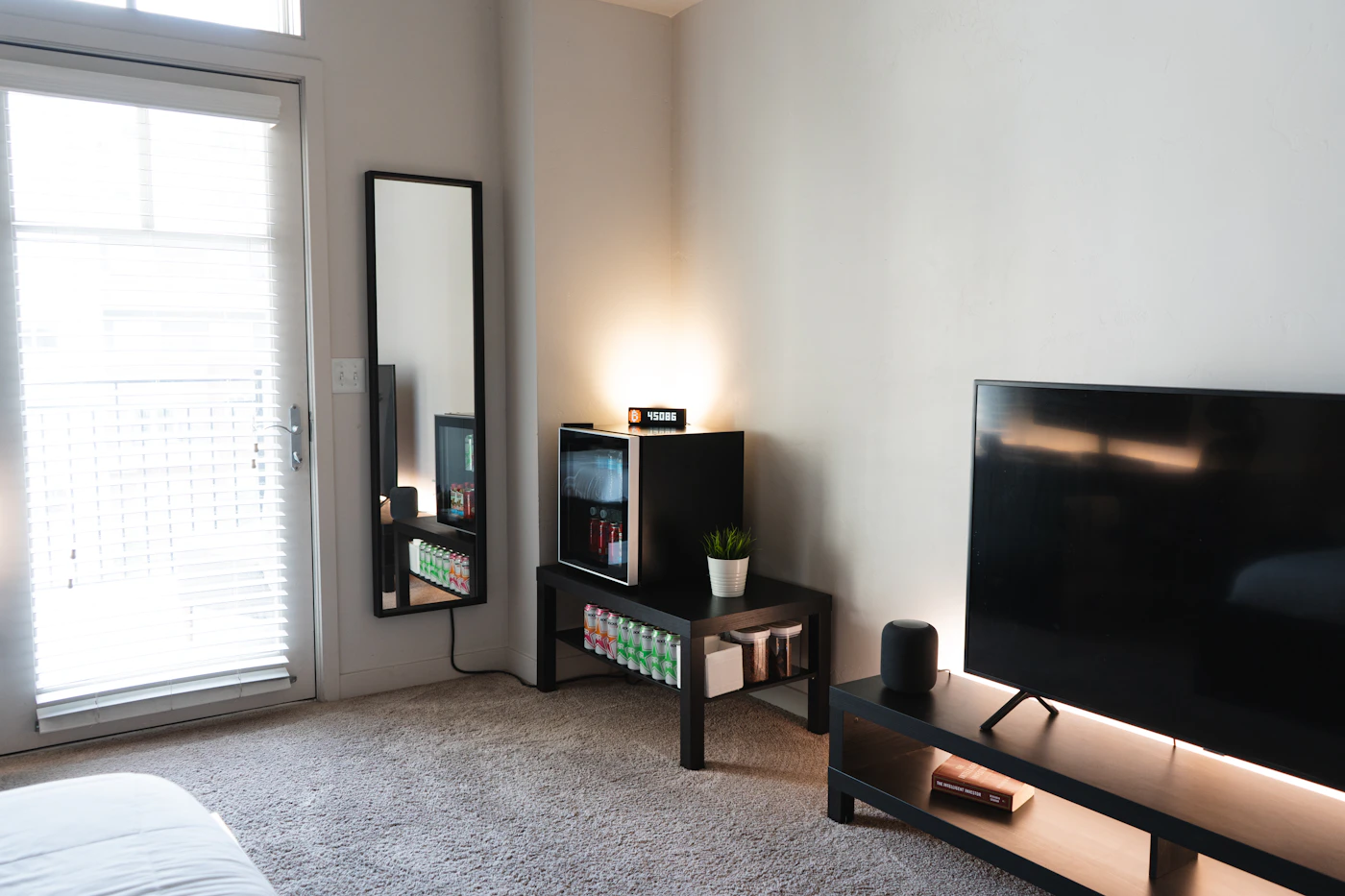
A kitchen counter, bedside table, and shared living room create different expectations. Keep the device away from splashes and heat according to its instructions. Leave enough space for ordinary controls and cables. A speaker hidden behind objects may be less convenient to operate even if the arrangement looks tidier. Think about where someone will stand when speaking or reaching for it.
Discuss microphone and account settings with the people sharing the space. Review the manufacturer’s privacy controls and decide which personal functions should be enabled. Guests should not need an account to understand how to stop playback. In a bedroom or home office, the option to choose a simpler device without voice features may be more comfortable for some people.
Compare a complete room experience
A smart display adds a screen, which may be useful for a visual timer, supported calling, or glanceable information. It also occupies more visual space and introduces another display into the room. Choose it because a screen helps a specific task, not because it appears to be a more complete speaker. Check the exact supported calling and content services before buying for those purposes.
If music is the priority, evaluate whether the room needs background listening or more deliberate audio equipment. A compact device may fit a small counter beautifully while being the wrong purchase for a large listening area. Compare published connection options and, where possible, listen in a suitable environment. Manufacturer descriptions cannot substitute for your own preference in sound and volume.
During the return window, try the routines that motivated the purchase: set and cancel a timer, play a familiar album, stop it from across the room, and let another household member take control. Note any confusing account behavior. Add another speaker only when there is a distinct room-level need; matching devices are not automatically a useful system.
A closer look at the tradeoffs
| Option | Best fit | Tradeoff |
|---|---|---|
| Compact smart speaker | Hands-free routines and compatible home controls | Platform and account requirements matter |
| Portable speaker | Music with flexible placement | May lack the home-assistant features you want |
| Smart display | Tasks that benefit from visible information | Adds screen presence and setup decisions |
Before you buy
- Verify setup requirements for the household’s phones.
- Check the exact music and calling services.
- Agree on microphone and personal-account settings.
- Test basic controls with another household member.
Confirm the exact model, compatibility, current price, and return policy at the official destination before ordering.
Explore HomePod mini at Apple ↗Common questions
Should I buy two speakers immediately?
Start with one unless you have a documented use for a supported pair or multiroom arrangement. Confirm the experience before repeating the purchase.
Will a smart speaker control every smart bulb?
No. Verify the supported platform and functions for the exact bulb and speaker. Additional hardware or setup may be required.
Sources & further reading
Manufacturer documentation consulted October 10, 2026. Buying judgments are our editorial interpretation; published specifications do not establish real-world performance.
See something that needs updating? Send a correction.