Shopping links in this guide go to official brand pages and are not affiliate links. We do not earn a commission from them. Our disclosure
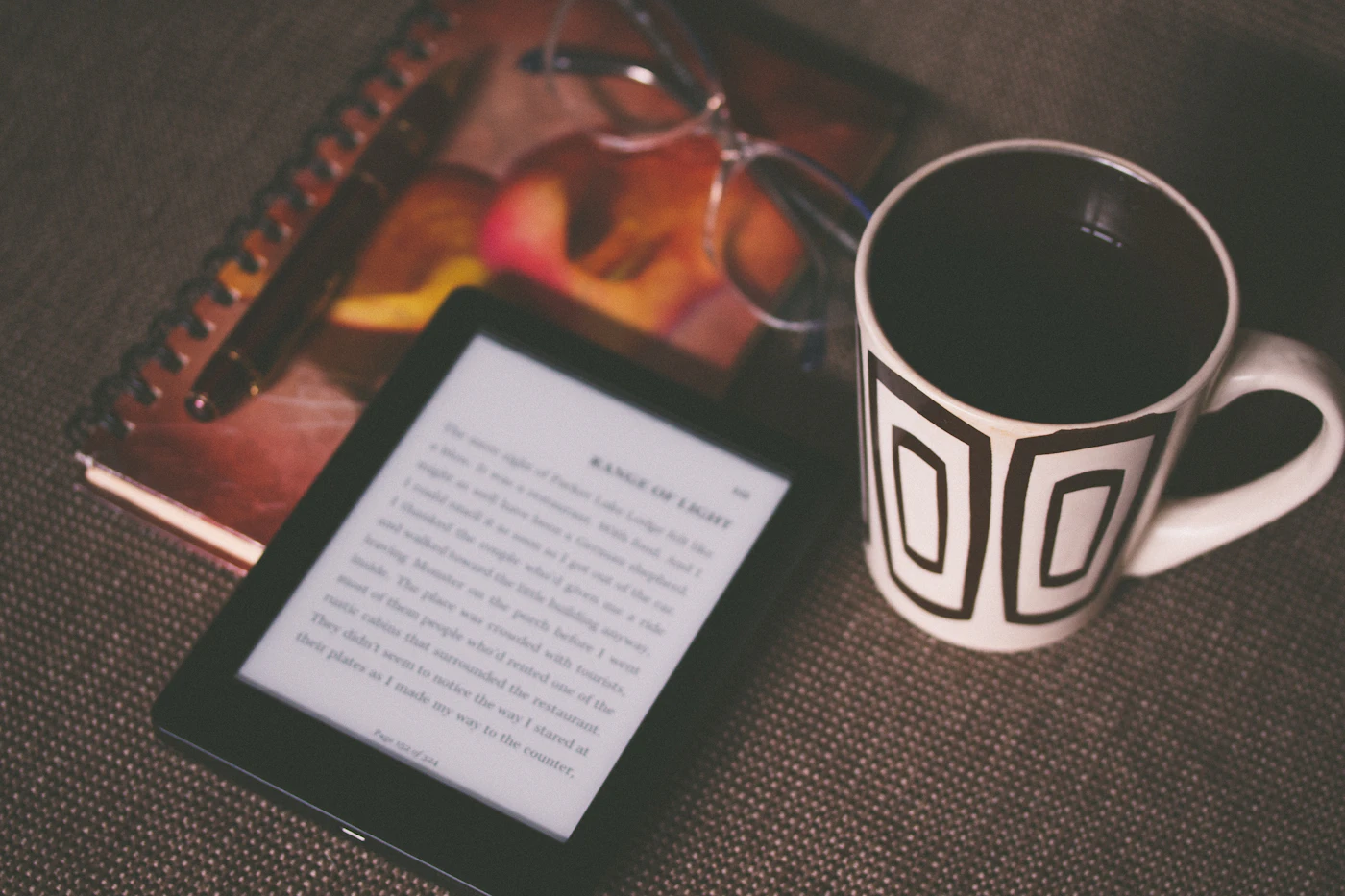
An e-reader and a tablet can both display a book, but they invite different routines. One may become a dedicated place for novels; the other may handle magazines, videos, notes, and web research alongside reading. Start with your actual reading material and the places where you use it. A device that suits a paperback-style novel may be a poor match for a complex textbook page or a large illustrated document.
Choose a dedicated e-reader for a focused book routine, a tablet for varied visual material and applications, and your existing phone when reading is occasional. Confirm access to your books before choosing hardware.
Sort your reading by page type
Make a short list of the material you read most: novels, web articles, comics, textbooks, technical PDFs, or magazines. Then consider whether you normally change text size or need the page to preserve a fixed layout. A device should accommodate the document rather than require you to constantly navigate around it.
For a novel, comfortable handling and simple page turns may dominate. For a dense PDF with charts and footnotes, screen space and navigation may matter more. Do not infer suitability from a product’s storage capacity or the number of books it can hold. The question is whether one page works well in the way you read it.
Choose the reading environment deliberately
A dedicated device can help establish a reading routine because it has a clear role. That is a preference about workflow, not a promise about attention or wellbeing. If you want one object that signals book time, an e-reader may be appealing. If you regularly switch between a book and a research application, a tablet’s flexibility may be useful.
Consider whether you read at a desk, in a chair, or while carrying a small bag. Check the device and case together, including the position of page-turn controls and how you hold it. A larger display offers more room but may be less convenient for the one-handed sessions that make up most of your reading.
Check the book ecosystem before the display
Inspect where your existing purchases live and which formats or applications are required to access them. Confirm compatibility using the bookstore or publisher’s current guidance. Do the same for your library’s lending service if borrowing is a major part of the plan. Owning a file or an account does not automatically establish access on every device.
Kobo’s official range includes models with different screen formats and features, including color options and model-specific stylus support. Those differences can guide a shortlist, but they should come after confirming your reading sources. A beautiful screen is not useful if the material you want cannot reach it through a supported workflow.
Be specific about notes and illustrations
If you annotate, decide what you need to do with the notes afterward. Highlighting a passage, writing on a page, exporting a notebook, and sharing a marked-up PDF are separate tasks. Check each one for the exact model and application. The presence of a stylus does not answer every question about editing or export.
For color material, examine examples close to your own documents instead of assuming all color displays behave alike. A reader browsing occasional diagrams has different expectations from someone studying richly illustrated pages. SmartGearScope has not measured display performance here; the advice is to inspect the content and interaction you will actually use.
Compare the device you will carry
Include a cover, stylus if needed, and charging arrangement in the purchase. Then ask whether the new device will come with you or remain on a shelf. A compact e-reader with a limited role can be more useful than a versatile tablet that feels too large for your everyday bag.
There is also a no-purchase option: try a reading application on a device you already own and observe the routine. If the main obstacle is finding time or choosing a book, more hardware may not solve it. Upgrade when you can name a recurring limitation, such as page size, handling, or a specific reading feature.
A closer look at the tradeoffs
| Device | Best fit | Tradeoff |
|---|---|---|
| Dedicated e-reader | A focused routine built around books | Fewer general-purpose applications |
| Tablet | PDFs, visual material, and mixed tasks | More device than a simple book routine may need |
| Existing phone | Occasional reading with no extra purchase | A smaller page and shared-purpose device |
Before you buy
- List your main document types.
- Verify access to existing books and library services.
- Check annotation and export behavior.
- Compare the device with its cover attached.
Confirm the exact model, compatibility, current price, and return policy at the official destination before ordering.
Compare e-readers at Kobo’s official store ↗Common questions
Should I choose a color e-reader for novels?
Only if color serves something you use, such as illustrated material or a preferred annotation system. For primarily text reading, compare handling, controls, and price before treating color as essential.
Can an e-reader handle every PDF well?
Do not assume so. Test a representative document or examine detailed demonstrations for the model. Page size, layout, navigation, and annotation requirements can make the experience very different from reading a novel.
Sources & further reading
Manufacturer documentation consulted October 10, 2026. Buying judgments are our editorial interpretation; published specifications do not establish real-world performance.
See something that needs updating? Send a correction.